Check your complete course enrollments.
In the Global Navigation Bar, click Courses and then All Courses.
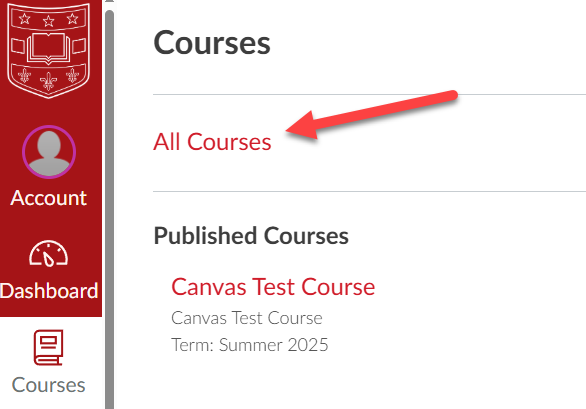
If the course is unpublished (“No” displays in the Published column), contact your instructor.
- If it has been less than 24 hours since you registered for the course, it might take until the next day to appear in Canvas.
- If it has been more than 24 hours since you registered, contact 24/7 Canvas Support via the Help button in Canvas.